Chapter 5
Friends, news and account
The friends you play with, ESKIT news, and everything about your account and settings.
Friends
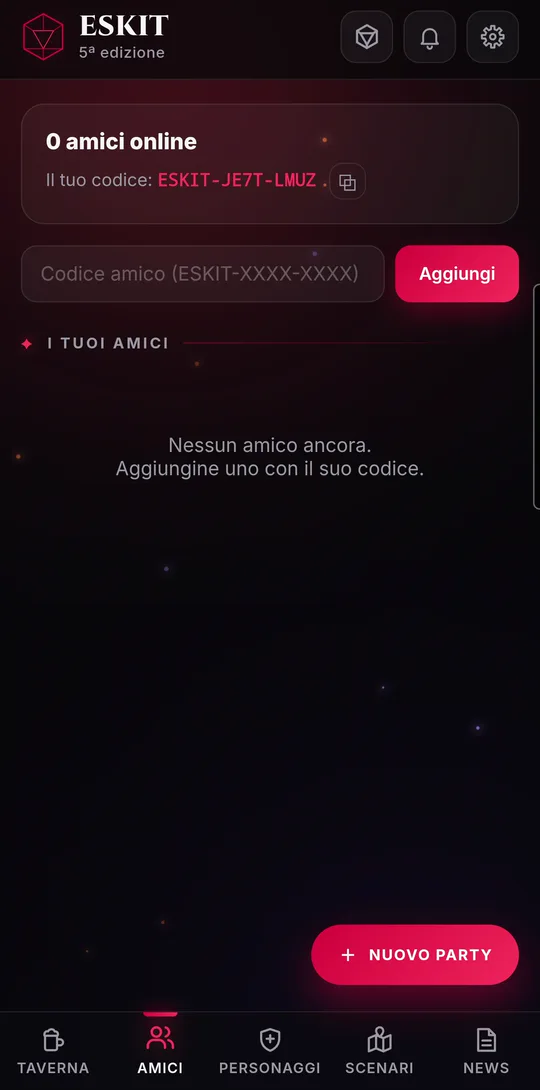
To play together you need to be friends. Every player has a friend code, in the form ESKIT-XXXX-XXXX, which you find at the top of the “Friends” page.
- Tap “⧉” next to “Your code” to copy it, and send it to whoever you like.
- They type it into the “Friend code (ESKIT-XXXX-XXXX)” field and tap “Add”: lowercase letters and spaces are fine too.
- You get the request, in the bell and under “Friend requests”: tap “Accept” (or “Decline”). A request you sent can be withdrawn with “Cancel”.
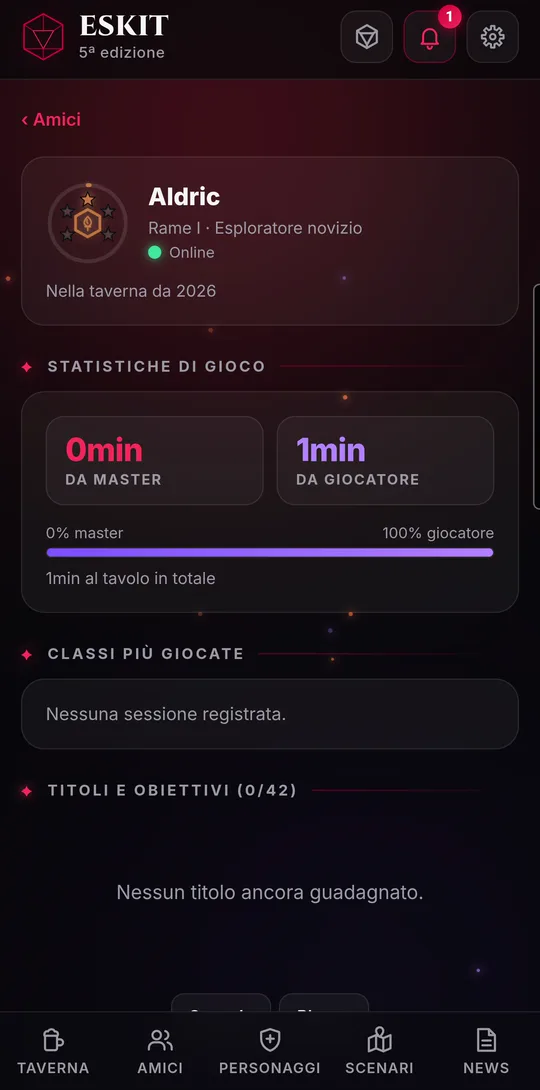
Under “Your friends” you see who is online first, with a green dot, then everyone else. Tap a friend for their profile: rank, how long they’ve been in the tavern, hours played as GM and as player, most played classes, titles and achievements.
- From the profile you can also “Report” or “Block” that person (see “Report and block”).
- The X next to a friend opens “Remove from friends?”: after “Remove”, you’ll need their code again to become friends.
News, events and notices
The “News” page collects ESKIT updates and live events. The two latest news items also appear in the Tavern.
- From the developers: the latest news, with title, date and preview. Tap “Read more ›” for the full article; if there is one, “Open the full page” takes you to the website.
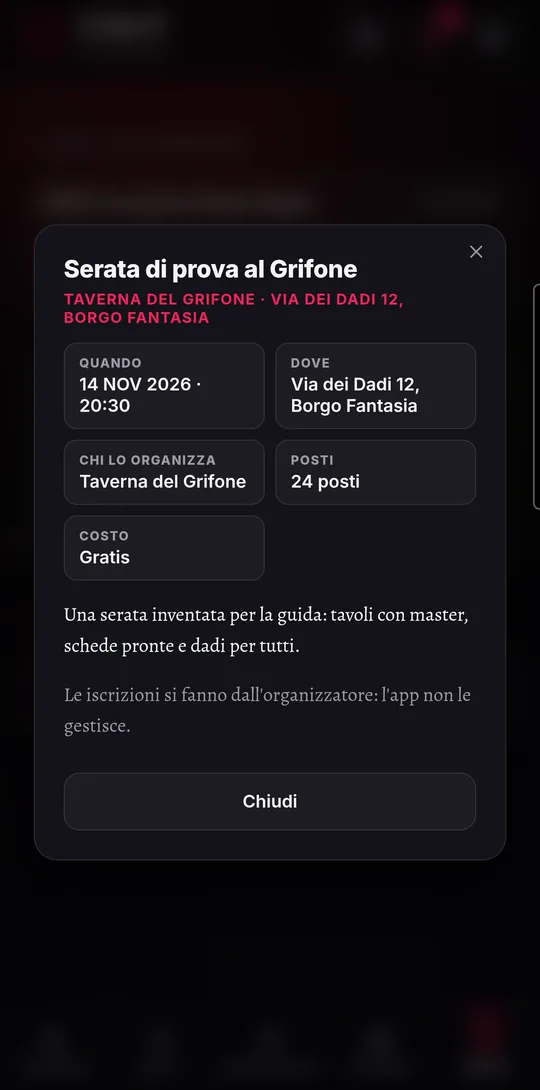
- Events from the tabletop RPG world: day, title, organizer and place. Tap an event to see when, where, who organizes it, seats and cost. Past events disappear by themselves.
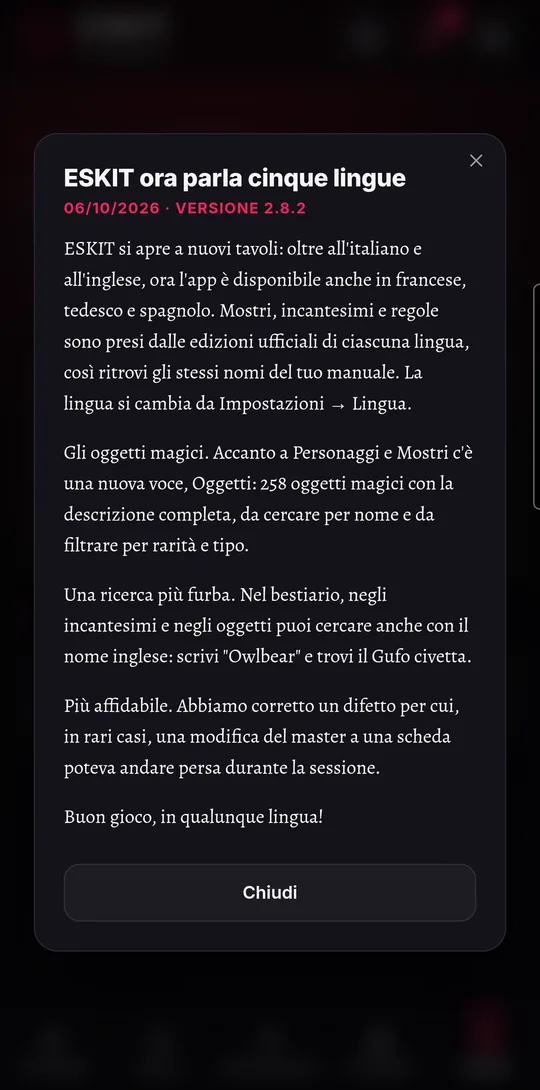
- Team notices: they arrive in the bell. Tapping one opens the notice window; tap “Got it” to close it.
Account and settings
The gear menu takes you to the “User” page and to “Settings”. Settings save themselves to your account and follow you on every device.
- User: the medal of your rank, hours at the table, stats as GM and as player, most played classes and achievements. With “use” you put up to three titles on your profile.
- Audio: background music, volume, track and sound effects. At the table, the GM chooses the music.
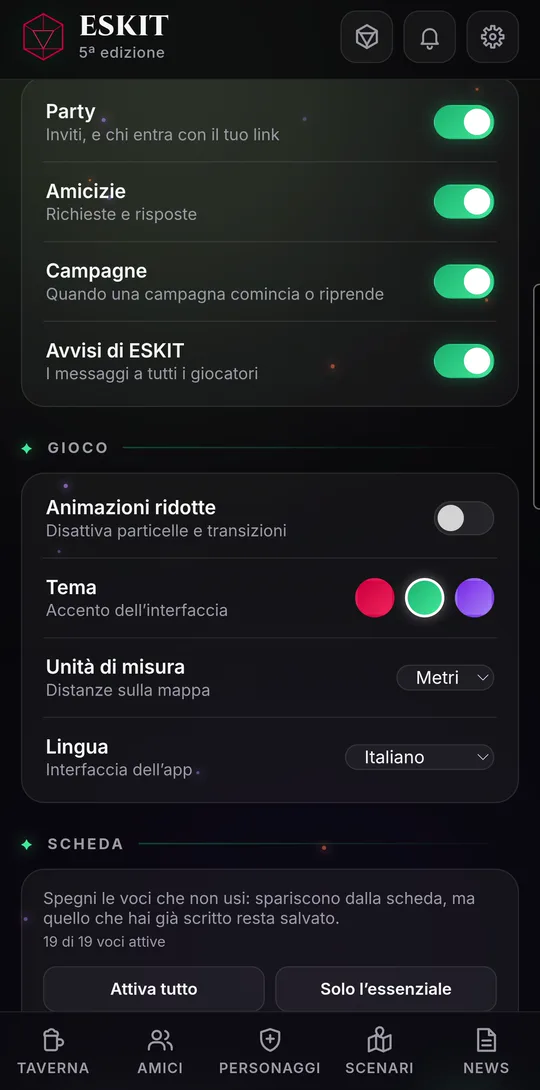
- Game: “Reduced motion”, the theme (crimson, emerald, arcane), the map units (meters or feet) and the app language (Italian, English, French, German, Spanish).
- Character sheet: choose which of the 19 sections to show; “Enable all” and “Essentials only” do it in one tap. Data in hidden sections is kept.
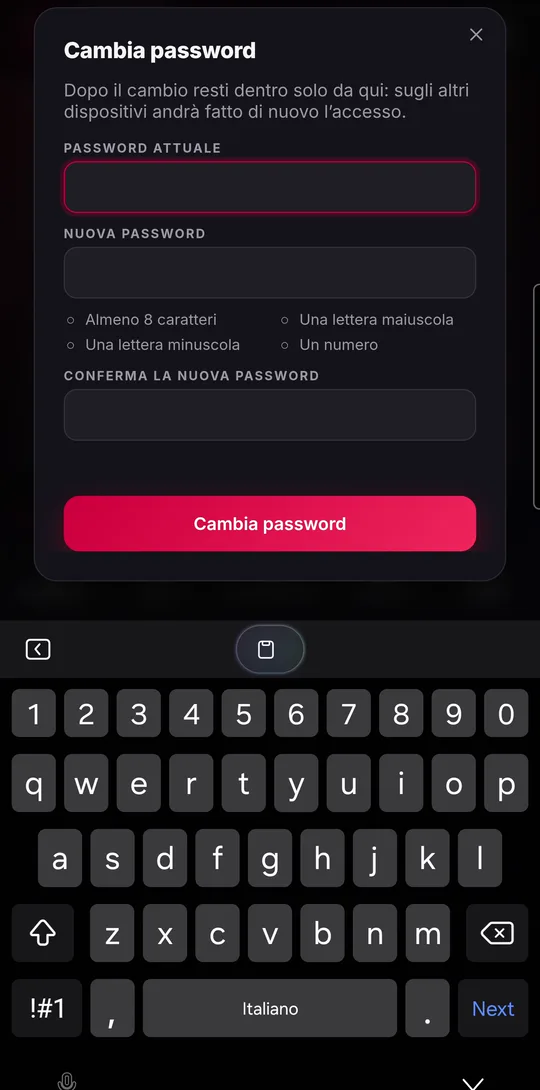
- Account: the “Display name” others see, linking Google or Apple, and “Change password” (you need the current one and the new one twice; you’ll have to sign in again on your other devices).
- Your data: “Export characters” and “Import characters” (a .json file), “All your data” to download everything in a .zip archive, and “Blocked people” › “Manage” to unblock people you’ve blocked.
- To delete your account, go to “User” and tap “Delete account”.
- Read the summary of what will be erased and tap “Continue”.
- ESKIT shows a 6-digit code: type it into the field and tap “Delete forever”. Until then you can always “Cancel”.
Accounts created with Google or Apple: creating a password
If you created your account with Google or Apple, at first that’s the only way you can sign in. You can add a password to sign in with username and password too: you need one, for example, if you want to unlink Google or Apple.
- Go to Settings › Account: next to “Password”, tap “Create a password”.
- Tap “Send me the code”: a 6-digit code arrives at your account’s email (check your spam folder too).
- Enter the code and the new password, which must follow the same rules as when signing up.
- Tap “Create the password”. From now on you can sign in either way.
If you tap “Unlink” on Google or Apple while it’s your only way to sign in, ESKIT opens this window by itself: first the password, then the unlinking.
Your rank and new ranks
Your rank measures how much you’ve played at the table, as GM or as player: every hour of play is worth 60 points. There are 26 ranks, from copper up to dragon, and the medal changes shape and color with your rank.
- Your rank shows in the Tavern, on the “User” page (with how many points and hours are left to the next one) and next to your name in Friends and at the table.
- When you rank up outside a session, a window opens with the new medal, the rank’s name (for example “Torchbearer”) and your hours at the table. Tap “Continue”.
- If you rank up while playing, only a short notice appears at the top, so the game isn’t interrupted.
ESKIT is free and runs in the browser, on phones, tablets and computers.